Does every product really need AI?
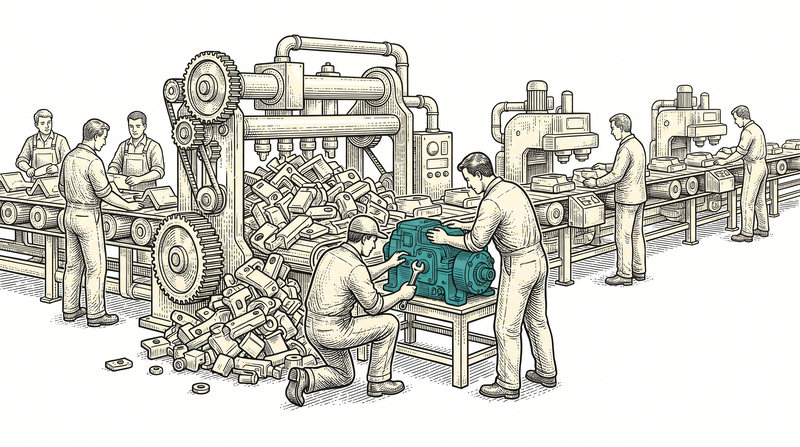
No — AI adds value to a product only where it removes a real friction. Lately there is pressure to pin an AI badge onto every product; but an AI feature that does not make the user's job easier is, at best, decoration and, at worst, a hindrance. A chat box that makes a button harder to find, an assistant that gives the right answer on the third try, or a 'smart' suggestion nobody asked for does not make the product clever; it slows it down.
We are writing this as a team that both adds AI to client products and built its own on-device app, PocketAnima, from scratch. Where we landed is this: the real question is not whether to add AI, but where to add it and where not to. Below we will first cover the places AI genuinely helps, then the places we deliberately stay away from, and then how we build it into a product without embedding it — without touching the core.
What does AI sit on top of?
AI sits on top of an orderly data model; if the data underneath is scattered, even the smartest model can do no more than guess. A recommendation engine cannot recommend if it cannot find the user's past behaviour in clean records; a summariser cannot know what to summarise in a database where the same fact sits in five places in five different forms. So when an AI feature is requested, our first question is not about the model but about the data: is business data in typed columns, are there duplicate records, are the fields consistent?
We learned this from experience. Building our products on a single core, we made it a principle to keep customer, order, booking and report data in one structure rather than scattered tables. Back then we were not doing it for AI; we just wanted an orderly system. But years later, when we needed to add an AI feature, we found the ground it would stand on was already prepared. The best way to prepare for AI is to keep the data right from the start — you choose the model later, but fixing the data afterwards is expensive.
Where does AI genuinely help in your product?
AI helps where it shortens the repetitive, tedious, pattern-shaped work a human does over and over. Concretely: meaning-based search (the user finds what they seek by intent, not word for word), summarising long text (reducing a pile of reports to a few readable sentences), turning unstructured data into records (structuring the information on an invoice or a form without manual entry) and an assistant that talks with your own data (not a generic chatbot but a layer tied to your documents). What all of these share is that they take over a repetitive task that steals a human's time.
There is also a quieter category: decision support. AI can flag an unusual pattern inside a report or a pile of data — surface an inconsistency, an anomaly, a record that needs attention. The critical distinction here is this: AI does not make the decision, it prepares it. It brings something a human might miss to their attention; the human still makes the final call. The best AI features are often invisible — they rank a list in the background, pre-fill a field, drop a warning in time — and the user does not even notice they are 'talking to AI'.
Where should you NOT add AI?
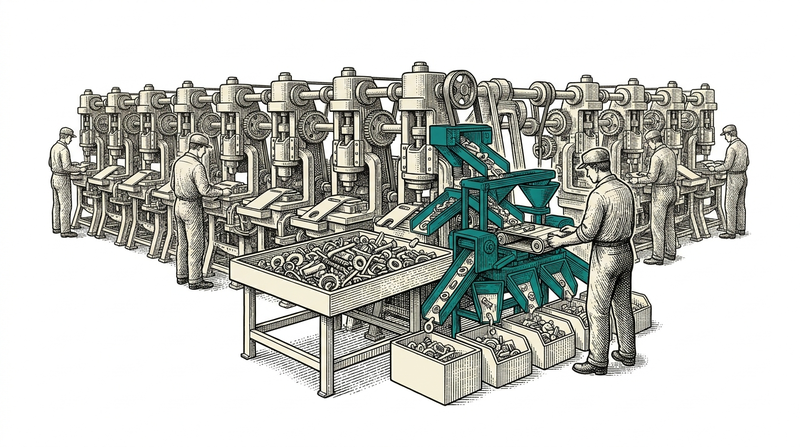
You should not add AI where a mistake is irreversible and human oversight is skipped. A model's output is probabilistic: right most of the time, sometimes confidently wrong. An AI that automatically sends money, deletes a record without human approval, or makes a legal or medical decision on its own gives back the speed it won, and more, on a single error. In such places AI can at most offer a suggestion; a human pulls the trigger. The limit of automation is the cost of a mistake.
The second 'do not add' area is anywhere that is pure show. Hiding behind a chat window a task the user already does in two clicks does not modernise the product; it adds a step. AI should be thought of not as a marketing badge but as a friction remover. The simple test we apply before adding a feature is this: does this AI genuinely remove a step for the user, or is it there just so we can say 'we have AI'? If the answer is the latter, we do not write that feature.
Why is embedding AI into the core a mistake?
Embedding AI into the product's core is a mistake, because this field shifts fast beneath all of us: a provider changes its price, a model updates and its behaviour drifts, a better option appears. If you have spread the model across every corner of your app, each of these changes forces you to rewrite. So we add AI as an adapter: a single layer that talks to the provider, behind a fixed interface. If the provider changes, only that adapter changes and the rest of the product stays put.
Building PocketAnima, we took this principle to its far end. In the app the engine sits behind a single interface: the local model on the device and a cloud provider the user connects with their own key both speak the same interface. The user can be on the device one day and in the cloud the next; the rest of the app is not even aware of it. This is a general principle of our product family and it fits AI exactly: when the source changes, only the adapter changes and the core stays untouched.
RAG: how do you make the model talk with your own data?
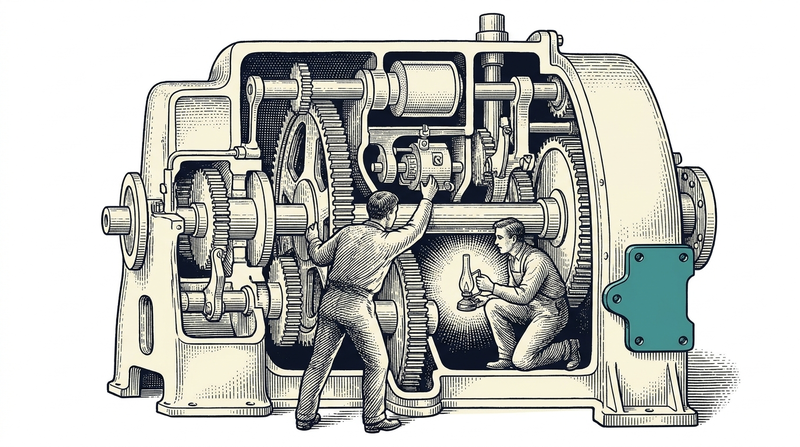
RAG is the technique of finding the right document and putting it in front of the model before asking the question; that way the model answers with your data, not with generic internet knowledge. The logic is simple: your documents are split into meaningful pieces, each piece is stored in a searchable form, and when a question arrives the most relevant pieces are found and given to the model as context. That is where the difference lies — the model does not state what it 'knows', it reads the source placed before it and answers. A good RAG setup also shows which source the answer came from, so the user can verify.
The honest part is that RAG's quality depends less on the model than on the retrieval step: if you fetch the wrong piece, even the strongest model gives a wrong answer. So in PocketAnima we built retrieval as a hybrid — combining keyword and meaning-based similarity to pick the most relevant piece. And we run it entirely on the device: the document you upload does not go to a server. In an enterprise project we set up the same pattern with the customer's data; not a generic chatbot, but a layer tied to your documents that shows its source.
An assistant or quiet automation? Choosing the right interface
The right interface for AI is often not a chat window. Chat is good for open-ended situations where you cannot know in advance what the user will want. But if the shape of the task is known — filling a field, ranking a list, classifying a document — the best interface is invisible: the AI works in the background, puts the result straight on the screen and does not drag the user into a conversation. Turning every AI feature into a chatbot is, in fact, a lazy design decision.
The question we ask when choosing is this: does the user want to describe the task in words, or see the result ready? In a product like PocketAnima, chat is the right interface, because the product itself is a chat app. But in a business application, rather than making the user type 'read this invoice and fill the fields' into a chat box, it is often better for the fields to fill themselves when the user uploads the invoice. The interface decision makes AI's value visible or invisible.
Where must human approval be mandatory?
Human approval must be mandatory wherever the output turns into an action. When AI suggests a text, produces a ranking or drafts something, a human sees it and can correct it — no problem. But if that output sends an email, initiates a payment or permanently changes a record, putting a human approval in between is not negotiable. This is not distrust of AI but respect for the nature of a probabilistic system: something that is right most of the time is not right every time.
The way to bake this principle into the design is to always present AI's output as a 'suggestion' — not as an action that happens automatically. The user sees the suggestion, accepts or corrects it, and the system records that decision. This wins speed while keeping responsibility with the human. The traceable, justified nature of critical business decisions must not break after AI is added; on the contrary, AI can be used to make that traceability easier.
How do we add an AI feature?
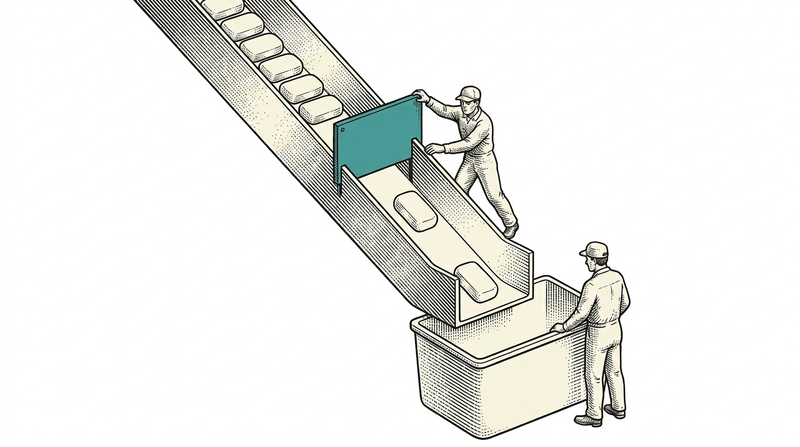
We add an AI feature in five steps. First we look at the data: is the data the feature needs orderly, typed and single-source? If not, we do a short data-readiness pass before choosing a model. Then we look for the smallest sufficient model — the lightest solution that does the job is often better than the strongest, because it is cheaper, faster and more predictable. In the third step we build the feature as an adapter, without touching the core.
The fourth step is testing with real data — not with sample data but with the edge cases of the user's real data, because that is exactly where AI stumbles, on unexpected input. The fifth and most-skipped step is an honest interface: showing the user that the output is a prediction, where it came from and that it can be wrong. Products that present AI as a magician lose trust on the first error; those that honestly show its limits stay trustworthy even when it makes a mistake.
Questions to ask before adding AI
One: does this feature remove a real step for the user, or is it just a badge? Two: is the data it will sit on orderly, typed and single-source? Three: is the output presented as a suggestion, or does it automatically trigger an irreversible action? The first three questions largely tell you whether the feature is worth writing.
Four: did you choose the smallest sufficient model, or did you reflexively take the 'strongest' one? Five: when the provider or model changes, will you change only an adapter, or rewrite the product? Six: do you show the user that the output is a prediction and where it came from? The answers to these questions determine in advance whether AI will be a strength or a burden in your product.
Conclusion: AI is not a goal but a tool
AI is not a product's goal but a tool that makes the user's job easier; and like any tool it works in the right place and becomes a hindrance in the wrong one. A good AI decision starts not with 'how do we add AI' but with 'which of the user's frictions do we remove'. If the answer is AI, we add it on top of an orderly data model, without embedding it in the core, keeping human approval and honestly showing its limits. If the answer is not AI, we do not add it — and that too is a decision.
We apply this framework both in client projects and in our own product, PocketAnima. If you are considering adding AI to your product but are not sure where to start, we would be glad to find together which feature carries real value. At Vosetu we believe that adding AI in the right place is far more valuable than adding it everywhere.