Workflow- & Genehmigungsautomatisierung
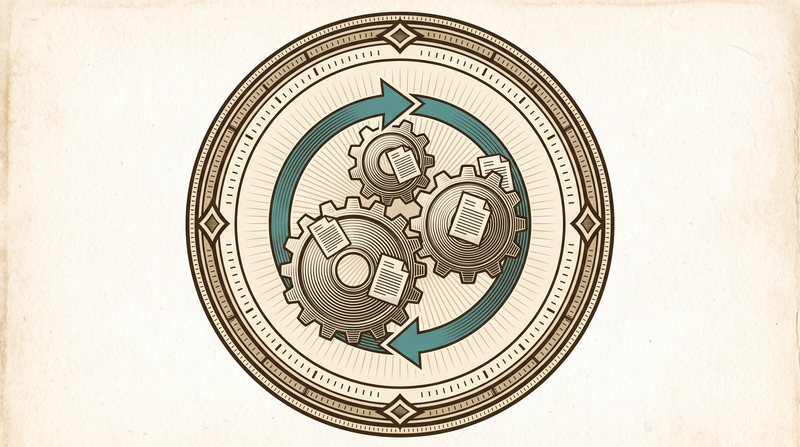
Most enterprise work gets stuck at a step 'waiting for someone's approval'
A leave request waits on a manager's desk, a contract waits for a signature, a fault sits unresolved because no one knows whose job it is. None of this is bad intent — it's just that who does what, and by when, isn't tied to a written rule, so it gets lost between people. We move that handshake into software: who approves, within how long, and who it escalates to if the deadline lapses — all defined in one engine, and when a rule changes, one place is updated.
We didn't write this engine once and leave it. The same core runs behind enterprise work tracking, document management and HR; application and permit processes in the public sector and fault-request flows in facility management run from the same place. The lesson repeats every time: the moment a process is buried in code, it freezes. So we keep it as a configuration object instead.
- Who approves, within how long, who it escalates to — in one engine
- The process is a configuration object, never buried in code
- Running in the public sector, facility management and enterprise work tracking
The engine's three parts
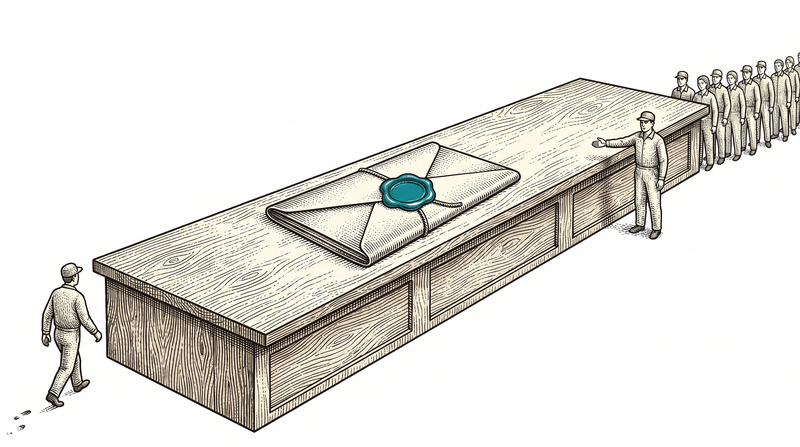
Approval engine & state machine
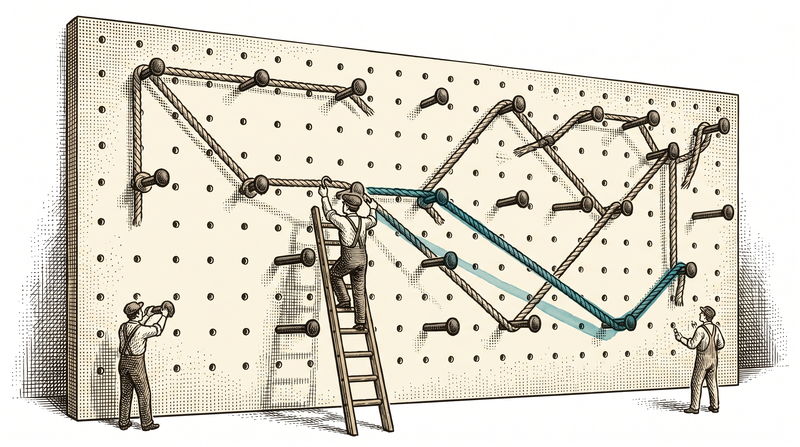
The path a request follows — how many steps it passes through, which condition routes it to which role — is defined in a single state machine. When a rule changes, you edit one place, not conditions scattered across screens; the process is a configuration object, not code.
- Multi-step, conditional approval
- The process is configurable, not buried in code
- One place is updated when a rule changes
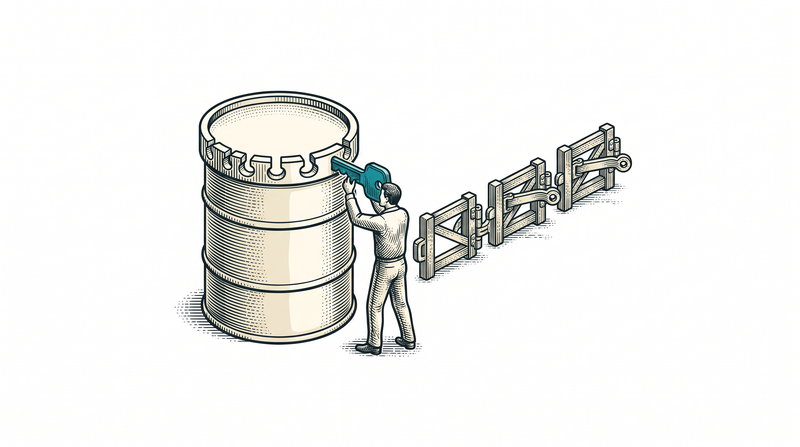
Notification chains & escalation
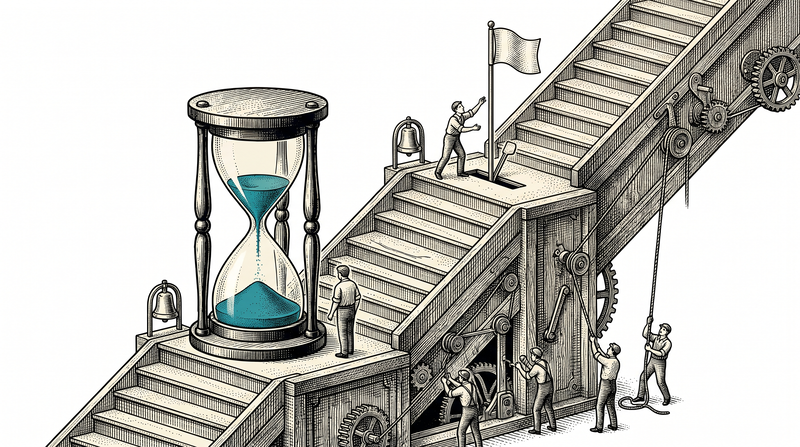
A reminder goes out before the deadline lapses. If it really does lapse, the request moves up a level on its own. The gain here isn't speed: what happens to a piece of work no longer depends on whether someone happened to check their desk that day.
- A reminder before the deadline lapses
- Automatic escalation on deadline breach
- Email, push and WhatsApp channels
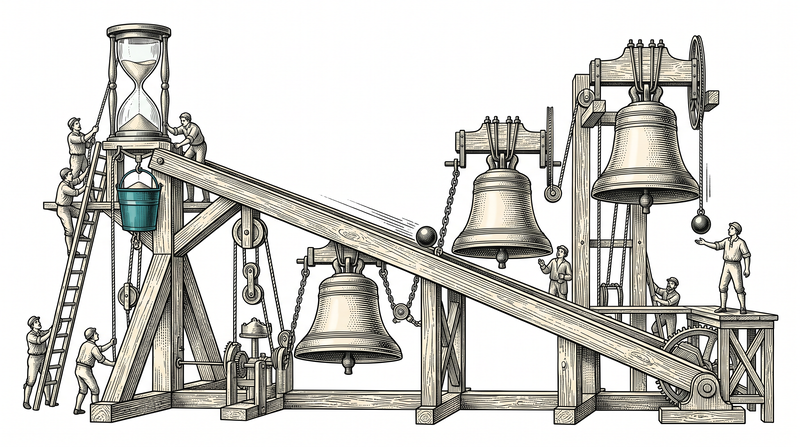
Document management & HR processes
Incoming-outgoing correspondence, versioning and archiving on one side; leave, expense and hiring approval on the other — both run on the same approval engine. A leave request is submitted from a phone, lands with the manager instantly, and once approved, both the employee and HR see it at the same moment.
- Electronic document management (EDMS) and archive
- Leave, expense and hiring approval flows
- The same engine reused across different processes
The sub-services beneath the automation
An approval flow isn't a single screen; it's a chain from design to reporting.
Task & approval flow design
We design together who approves what, when, and which condition routes it to whom.
Process modeling & state machines
We define a process's steps, conditions and transitions in a configurable model.
Notification chains & reminders
Reminder first, escalation after. How urgent the work is decides the channel: email, push or WhatsApp.
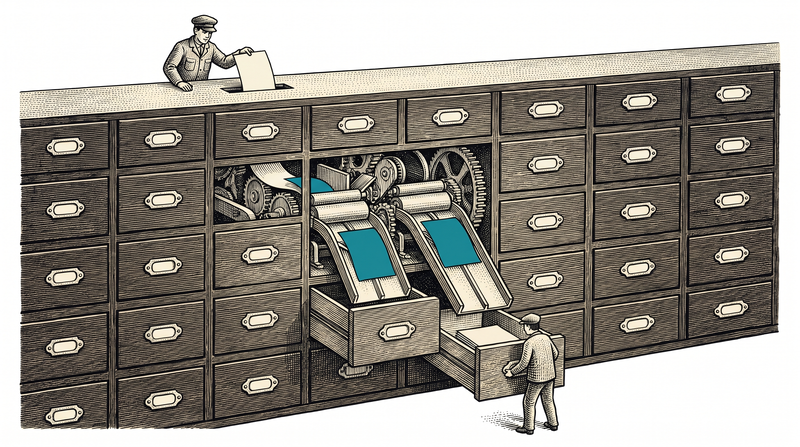
Document management (EBYS) processes
Incoming-outgoing correspondence, versioning and archive; a searchable document layer with full-text search.
HR and leave/expense approval processes
Leave, expense and hiring requests run through the same approval engine; HR doesn't track them by hand.
SLA, escalation & process reports
Because every step's duration is recorded, where the bottleneck sits stops being a matter of opinion. It's usually not where everyone assumed.
How we build a process automation
Process & approval mapping
We map your current process — however it lives, on paper, in email or in someone's head — and clarify its steps and rules together.
State machine & rule design
We build approval steps, conditional routing and deadline/escalation rules into a configurable model.
Notification & escalation setup
We configure reminder and escalation channels (email, push, WhatsApp) and test them with real scenarios.
Pilot & rollout
We trial with a single unit on real data rather than the whole institution at once; we see friction in the field, fix it, then roll out.
Sectors where this engine is at work
The same state machine and escalation logic runs, adapted, to a different process in each sector.
Enterprise work management
Work and issue tracking, document management and HR share the same approval engine; modules turn on one by one.
Public sector
Application and permit processes go through multi-step approval; a request past its deadline escalates automatically.
Facility management
A fault drops into the same engine: prioritized, assigned to a team, bound to an SLA, escalated if the time is breached.
Care & health
The medication administration gate is an approval step: the action doesn't complete until the right person, right time is confirmed.
What ships as standard in every automation setup
The technology we build on
- State machine
- rule engine
- push
- .NET 9
- PostgreSQL
- RabbitMQ
- Redis
Frequently asked
Do we need to write code when an approval rule changes?
No. Approval steps, conditions and deadline rules are defined in a configurable model; when a rule changes, one place is updated and screens aren't touched.
Does your document management support e-signature?
Formal e-signature integration can be added as an independent adapter; in our public-sector projects we've built systems that talk to e-signature and e-government services. We clarify the specifics together based on your needs.
Do we have to deploy everything at once?
No. You usually start with a single process (often the one that stalls most), then add HR, document management and the rest in order of need. Because they share the same engine, adding later is painless.
What if the person it escalates to is also away?
The chain doesn't stop at one step: if the next role up also misses the deadline, the request moves on again. Because working hours and public holidays can be defined, the clock doesn't run pointlessly overnight or over a weekend — nobody arrives on Monday to a pile that built up in the dark.
Our current processes live on paper/in Excel — how do you migrate them?
We first map your current process as it actually runs — its steps, rules and exceptions. Then we translate that into a state machine and trial it with real data in one pilot unit; we fix friction, then roll out.
Let's move your processes into automation
Just tell us about the one flow that stalls the most. We'll work out the starting point together, and you don't have to decide anything when the conversation ends.