Windows Desktop Applications
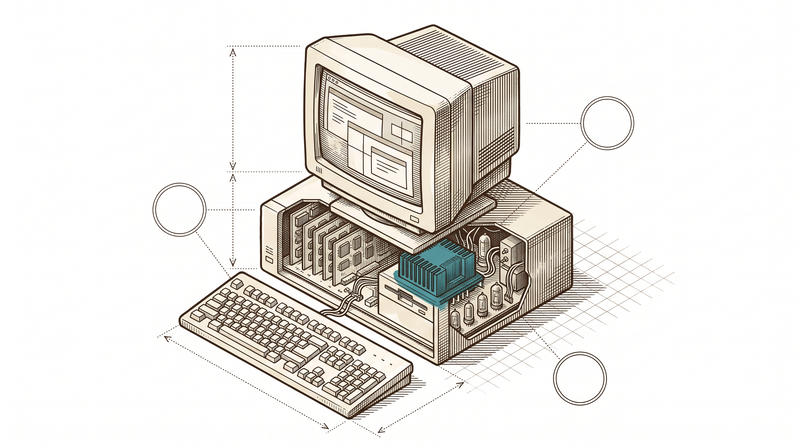
Not every job fits in a browser
When the register loses internet, sales shouldn't stop; when a production station loses connection, the line shouldn't stop; a screen talking to a scale or a printer doesn't open in a browser tab. That kind of work needs a local, fast, hardware-aware application — one that doesn't assume the internet exists. This kind of work usually isn't on a software agency's service list; we highlight it deliberately, because we have real, published products to prove it.
Our proof comes from two places: first, six free Windows tools that are live in daily use, not in a store — from clipboard history to screenshots, note-taking to window management, all light, fast and offline-capable. Second, real desktop experience inside our sector products: the POS terminal in our food-service product keeps opening checks even when the internet drops, and our production station software buffers data locally on a disconnected line and syncs it later.
- 6 published, free Windows tools
- Offline-capable POS and station software
- Applications that talk to local hardware (printers, scales, readers)
- A vosetu difference most agencies don't offer
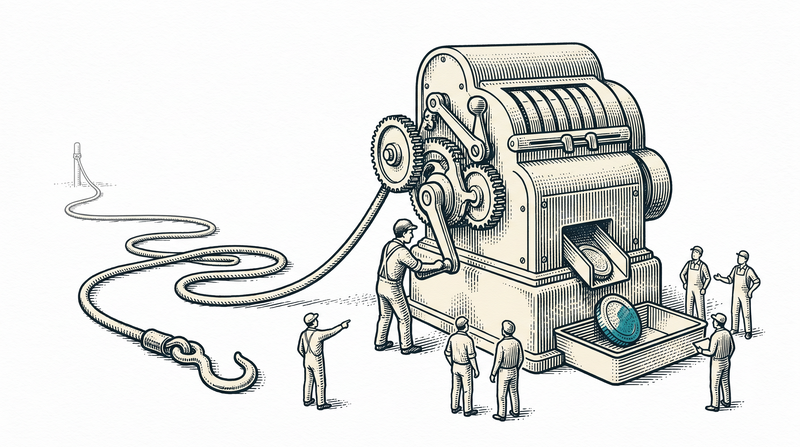
Our Windows family, live in daily use
All six are light, offline-capable tools with native Windows integration — the direct product of our desktop experience.
Clipory
A Windows tool that manages your clipboard history smartly, so you never lose what you copied again.
Notory
A minimal, lightweight desktop notebook for quick notes.
Pixory
A practical desktop toolkit for editing and converting images.
Snapory
A screenshot capture and annotation tool.
Topory
A helper that arranges windows and keeps the one you want on top.
Typory
Typing and text-expansion tools that bind what you type often to a shortcut.
The sub-services living under desktop
A free tool and a production station go through the same discipline: light, fast, close to the hardware.
Native Windows desktop applications
An application natively integrated with the OS, not a browser tab; it opens fast and uses few resources.
Offline-capable register/POS
Sales don't stop when the connection drops; data is kept locally and syncs to the center once it returns.
Local hardware integration
We build applications that talk directly to devices like printers, scales and barcode readers.
Synchronization with a central server
Local data syncs conflict-free with the central server once the connection returns.
Auto-update & installer packaging
An MSI/installer package and background auto-update; the user never updates manually.
Local data security
Data kept on the device is encrypted and closed to unauthorized access; data to the center flows over a secure channel.
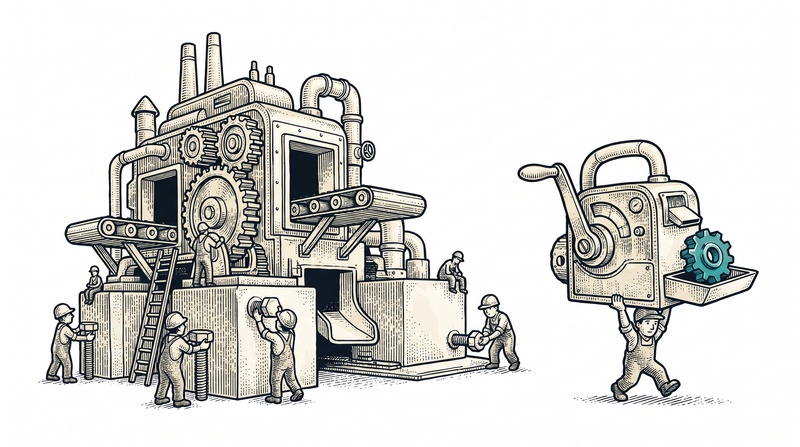
The desktop pattern at work in real products
When the connection drops, it's the line that stops — not the sale
The POS terminal in our food-service product is designed to run the critical sales flow locally: opening checks, closing bills and collecting payment continue even if the connection drops, and data syncs to the center once it returns. Our production station software uses the same pattern — a line losing internet is not a failure, it's an anticipated state.
- Buffer locally, sync later
- The critical flow continues without a connection
- Proven in our food-service and manufacturing products
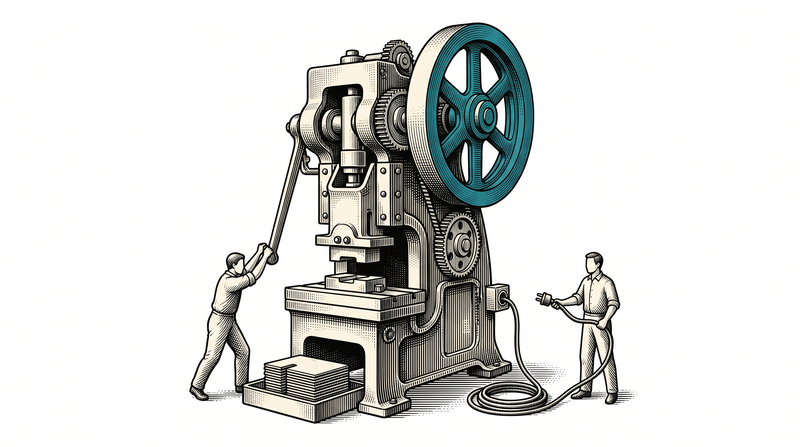
Light and fast — proven across six products
Clipory, Notory, Pixory, Snapory, Topory and Typory share the same common ground: fast to open, low on resource use, natively integrated with Windows. This isn't a decorative promise — it's a habit measured in daily use; if a tool is slow, nobody uses it.
- Fast startup, low resource use
- Native Windows integration
- A principle tested across 6 products
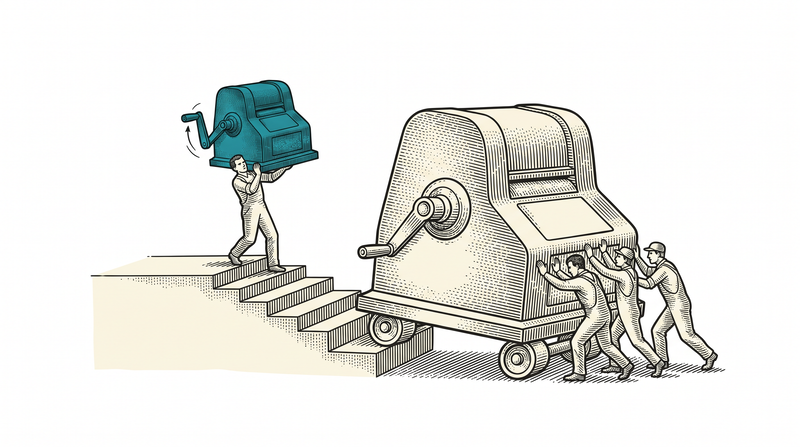
Applications that talk to hardware
A desktop application's value often lies in talking to a device outside the screen: a receipt printer, a barcode reader, a scale. We've built this connection into our sector products; the same pattern adapts to the devices in your own business.
- Receipt-printer and barcode-reader integration
- Industrial scale connectivity
- A pattern running live in our sector products

How we build a desktop application
Device & environment discovery
We determine on site which hardware to talk to, how often the connection drops and the deployment environment.
Local application & synchronization
We build the local data flow and offline logic, and enable conflict-free synchronization with the central server.
Hardware connection & testing
We connect the printer, scale or reader and test end to end on real devices.
Packaging & auto-update
We prepare the MSI/installer package and set up background auto-update; we continue with maintenance after deployment.

What ships as standard in every desktop project
The technology we build on
- .NET
- WPF
- WinForms
- SQLite
- PostgreSQL
- Serial port
- USB
- printers
- MSI/installer
- auto-update
Frequently asked
Why a desktop app — why shouldn't everything be web?
For work that must run without a connection, talk directly to hardware, or open very fast, desktop is still the right tool: a register, a production station, a scale screen. Web and desktop aren't rivals, they're the right tool for the right job — and we connect both to the same core (.NET 9 API).
Is this a real capability, or just small tools?
Both are real. Our six free tools are WPF/WinForms experience proven in daily use; the same team also wrote the POS terminal in our food-service product and the offline station software in our manufacturing product. A small tool and an enterprise terminal go through the same engineering discipline.
Does it work with our existing hardware (printer, scale, reader)?
In most cases yes. In the pre-deployment survey we determine which device speaks over which connection (serial, USB, network) and, where compatible, connect it without replacement; otherwise we write an adapter.
If the internet drops, does the app stop completely?
No. The critical flow (sales, production logging, etc.) is designed to run locally; data is kept locally and syncs to the center once the connection returns. We decide together before deployment which operations stay local and which stay online.
Do you provide support after launch?
Yes. Post-launch maintenance with an SLA is standard: bug fixing, security updates and new-device integration requests are handled under contract.
Let's build the system that stays up even without a connection
We'll listen to your register, your station or your hardware and map out where to start, together. The first conversation is non-binding.