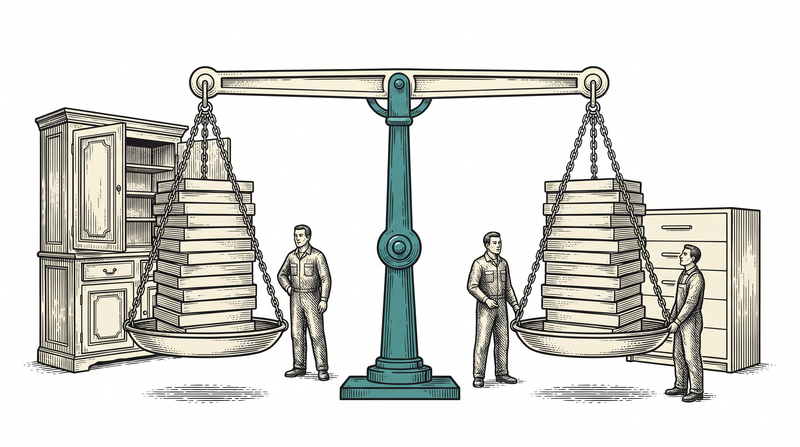
Why is data migration the riskiest step of a project?
Data migration is risky because it happens once and its mistakes are usually irreversible. If the code is wrong you fix it and redeploy; if data was moved incorrectly and new records have since been added on top, going back is not a fix but a rescue operation. And the failure is often silent: the system runs, screens open, only some fields are empty or some relationships are broken.
The second difficulty is treating migration as a technical job. In truth it is a decision job first: what are we moving, what are we not, which record maps to which new structure, and what do we do with conflicts. A script written before those decisions moves old data into new tables but does not move meaning — and lost meaning costs far more than lost data.
In this article we will go through the lessons from our own migrations: moving from a fixed-schema content structure to a flexible model, how a setup script that could not be run in production turned into targeted updaters, and why verifying a migration is a matter of counting rather than looking at screens. All of it lived through, some of it on a live database.
First decide: what are you moving, and what are you leaving?
The first step of a migration is deciding what not to move. A significant share of the data accumulated in an old system is dead: cancelled drafts, rows entered while testing, the history of a feature nobody uses. Moving those does not just take up space; it pollutes the new system's screens and gives the user a sense that 'this place is full of junk'. For what you will not move, taking an archive copy is enough — there is a third option between deleting and migrating.
The second decision is which data is genuinely the source. In most systems the same fact sits in several places: a customer name written both on the order record and in the customer table. If you do not decide in advance which one counts as correct, the script moves both and the new system ends up with two different truths. You choose the source by asking the business, not by looking at the data: 'who updates this, and on which screen?'
The third is the question of history. How far back historical records are moved is a cost decision and must be made with the client. 'Bring everything' is an easy sentence, but fitting ten years of data into a new model can double the migration. Our usual recommendation: move active data in full, keep history as a readable archive.
Designing the target model: do not copy the old structure
The biggest trap in a migration is copying old tables one-to-one into the new system. On day one this is the fastest route and by year two the most expensive: the old system's limits, mistakes and workarounds get carried inside the new one. The new structure should come from what the business needs today, not from the shape of the old data; the migration script is the layer that translates between them.
We lived exactly that in our own product. In the first version of content management every content type had its own table: services in one, projects in another, articles in a third. Adding a new type meant a new table, a new model and a new screen. In the second version we moved everything into a single flexible structure: a record carries its type, its key and a free-schema body. Once the migration was done we dropped the old tables — keeping two models alive at once would have been the most expensive option.
Dropping the old structure takes nerve but is necessary. As long as two models coexist, every new feature is written twice, every bug is hunted in two places, and the team forgets which one is current. The rule should be: the old stays until the migration is verified, and is removed once it is — not kept indefinitely 'just in case'.
Which key is stable: the row number or the slug?
The key that survives a migration is not the row number the database hands out but the meaningful key the business gives. Row numbers change during a move; run a script that deletes and rewrites records and they all get new ones. Everything you tied to that number — external links, cache keys, references in other tables — silently breaks.
We saw this in our own content table. When we ran an updater that rewrote the articles in bulk, the row numbers changed; but because the site's addresses are tied to a human-readable slug rather than the number, not a single link broke. The decision had been made early and paid off that day. Had we depended on the number, every external link would have returned 404 after the migration.
As a rule: everything visible to the outside world (URLs, file names, reference codes) should have a meaningful, unchanging key, and row numbers should stay inside the system. Also keep a mapping table during the migration — the correspondence between the old number and the new record is the only map you will have when something goes wrong.
Do not hand-write the migration script — generate it
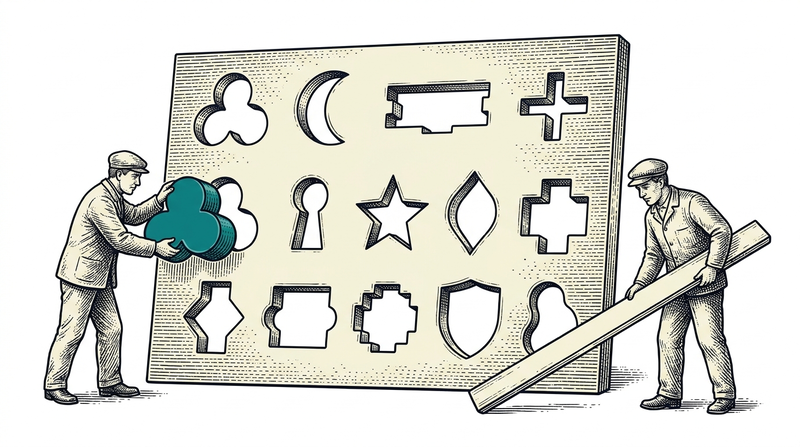
A hand-written migration script creates two problems: it cannot be re-run, and it drifts out of sync with the content itself. Our approach was to generate the script from its source — wherever the content is defined, the script comes out of that file automatically. So there is no such task as 'update the script when the content changes'; you simply run the generator again.
The second benefit is that you can keep the generator's rules in one place. For instance we have a rule: a generated script never touches publication flags. It updates the text but never overwrites 'is this record live', because that is managed from the admin panel. With hand-written scripts you would have to remember the rule every time; with a generated script the rule lives inside the generator.
The third benefit is review. A generated script is a text file; it goes into version control, can be read as a diff, and someone else can look at it before it is applied. The answer to 'what was run on the live database' lives in history rather than in one person's memory. For work that changes data, that is the most valuable record you can keep.
Why can't you run the setup script in production?
Setup scripts are usually written with a 'build from scratch' mindset: empty the tables, then write the prepared data. That works perfectly on an empty development database and is a disaster in production — because the emptying step also deletes everything entered through the admin panel. Using the same file for both setup and update is the most common cause of migration accidents.
We hit this wall. The site's content data was produced by a setup script that began by emptying the tables, so it could never be run in production. When a sector's copy needed fixing, the only option was hand-written SQL — an intervention outside the generator and off the record. Eventually we built the right thing: separate tools that generate targeted updaters from the same source. No emptying; update the record if it exists, insert it if it does not.
The general rule: every script that touches live data must be idempotent — running it twice must do no harm the second time. The simplest way to get there is to write operations as 'update if present, insert if not' and to remove deletion steps from the script entirely. If something must be deleted, that is a separate decision and a separate script.
Structured-data traps: three things that store the wrong value silently
The first is type conversion. When writing a structured value — a body carrying nested fields — into the database, you must store it as structure and not as text. Miss the difference and the write completes without error; the problem shows up on the read side, where you find a flat string instead of the fields you expected. Because nothing throws, the bug stays invisible until someone opens the screen.
The second is auto-numbering. If you insert records with numbers you supply yourself, the database's counter for the next number falls behind. On migration day everything looks fine; the first time the application inserts a new record you get 'that number already exists'. The fix is one line — move the counter past the highest number — but it usually takes living through it once to remember.
The third is character encoding, and it hurts especially with Turkish content. If the encoding of the dump taken from the old system does not match what the target database expects, the data moves but letters like 'ş', 'ğ' and 'İ' break. Noticing that after the migration means thousands of rows to fix by hand. In your rehearsal, check not only the counts but a few records containing Turkish characters with your own eyes.
Getting the dump out of the old system: access, format, permission
Most migration projects begin not with a technical obstacle but with an access problem: nobody can reach the old system's database, the provider is unwilling to hand over a dump, or the data can only be read from a screen. So the first item of a migration plan is permission, not code — making a schedule before it is written down who will provide the dump, with what authority and in what format, is pointless.
Format is the second matter. The best case is a direct database dump; the second is a standard table-by-table export; the worst is a report output or a spreadsheet, because there relationships are gone, dates are formatted and numbers have turned into text. If a poor format is all you have, part of the migration becomes data cleaning — and that is a separate line of effort.
The third is when the dump was taken. Working on a dump taken a week earlier and running the same script against a fresh one on migration night is the right method — but if the schema changed between the two dumps, the script breaks. So you need to know every change made in the old system between the rehearsal and the real migration; 'they added a small field' is the most frequently heard surprise of migration night.
The mapping table: matching field by field
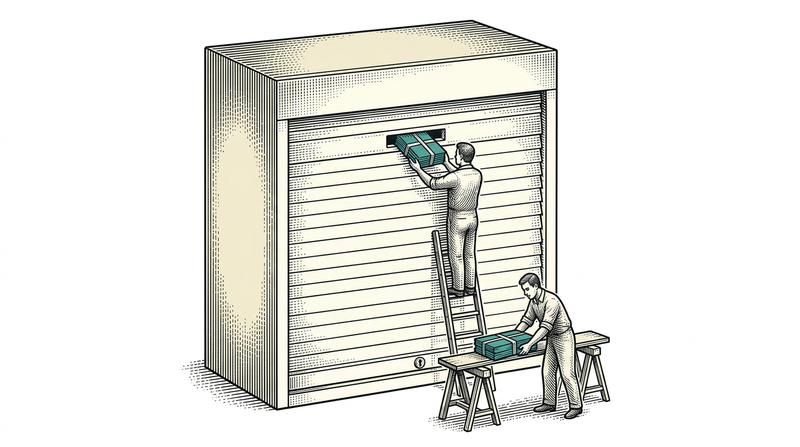
A migration's real document is the mapping table: a list showing which field in the new system each field of the old one corresponds to, the rule where a transformation is needed, and the decision for fields that have no counterpart. A script written without that table carries the assumptions its author held at the time, and six months later nobody remembers why it works the way it does.
The most time-consuming part of building a mapping is the fields with no counterpart. A field exists in the old system but not in the new model; either it is dropped as useless or it turns into a different structure. A developer cannot make that call alone — the answer to 'who filled this field in and what did they decide with it' lies inside the business.
Then there are code lists: constrained value sets like status, type or category. The old system's 'active/passive/pending' may not map one-to-one onto their counterparts in the new one. Writing that mapping into the table prevents the post-migration question 'why does everything show as pending' before it is ever asked.
Users and files: the data that lives outside the database
User data is the most sensitive part of a migration, and passwords do not migrate. In a properly built system passwords are stored irreversibly; moving them into a new system that uses a different method is usually impossible, and even when possible it is not right. The standard solution is to migrate the users and trigger a password-setting flow: everyone sets a new password at first sign-in.
The communication side of this matters more than the technical side. If you do not tell users in advance what will happen, the 'my password doesn't work' calls on migration morning will jam the support line. A simple notice and a well-timed password reset link make the most visible part of the migration pass smoothly.
Files are frequently forgotten: uploaded images, documents, attachments. They live in the file system or object storage rather than the database; even with a flawless database migration, if the files were not moved you will see broken links everywhere in the new system. Plan file migration as its own step and verify it separately: how many files were there, how many moved, how many records still point at a file that does not exist.
How do you verify a migration: count, don't look
You do not verify a migration by opening screens; you verify it by counting. A screen shows you only the record you opened; it never tells you how many of the ten thousand moved are missing. The right method is to ask the same questions before and after: how many records were there, how many arrived, in how many is this field empty, how many lost their relationship. If the difference is not zero, the migration is not finished.
Before touching live data we always run a read-only check: how many records are in the target table, which of them might have been entered by hand, is there anything the script would delete. The check takes less than a minute, and it has paid for itself the first time it made us say 'good thing we looked'. Then the script runs and the same counts are repeated.
Add two more things to the counts: random sampling and reading back. Sampling means opening a handful of moved records and comparing them with their state in the old system. Reading back means seeing that the new system can actually use the record — the data may be written correctly while the application cannot read it. The three together are enough evidence to say the migration is done.
Do you clean dirty data during the migration or after?
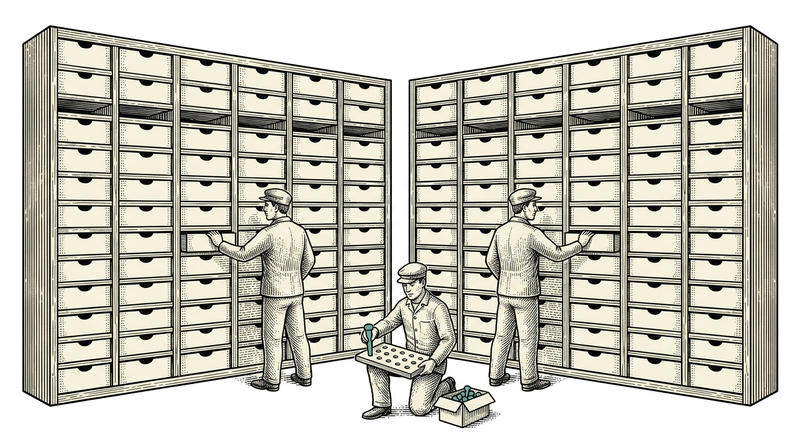
Data coming out of an old system is almost never clean: customers entered twice, mandatory fields left empty, phone numbers stored in three different shapes because they were typed by hand. Fixing those during the migration is tempting but dangerous — if the script both moves and repairs at once, then when something breaks you cannot tell which of the two did it.
Our preference is to split them: the migration only moves, cleaning is a separate step done with separate scripts. That keeps the migration's verification crisp — the numbers must match exactly. In the cleaning step the numbers deliberately change, and every change is recorded separately. Splitting the two does not lengthen the total time; it simply makes debugging possible.
There is one exception: data the target model will not accept. If a field that is mandatory in the new structure is empty in the old data, you either move that record with a default or you do not move it at all — there is no middle. Make that decision in advance and produce the list; the number that appears on migration night as 'these did not go through' should be a number you already knew.
Managing downtime: how long should the freeze window be?
If people keep entering data into the old system during the migration, what you are moving goes stale while you move it. So you need a freeze window: after an agreed hour nothing new is entered into the old system, the migration runs, the new system opens. The window's length is set from the rehearsal, not from the migration's expected duration — a duration given without a rehearsal is a guess, and usually an optimistic one.
A rehearsal is a full run on a copy of the real data, and it answers two questions: how long does it take, and which step blows up. We have almost never seen a migration that did not blow up in its first rehearsal; that is exactly what a rehearsal is for. The second and third runs both shorten the duration and remove any need for improvisation on the real night.
There is another approach that removes the window altogether: dual writing. For a period you write to both the old and the new system, then switch reads to the new one. It is powerful but complex, and it requires keeping two systems correct at once. For most enterprise projects a planned window of a few hours is far cheaper than carrying that complexity — just make the choice knowingly.
Rollback: taking a backup is not enough — practise restoring it
A backup does not count as a backup until it has been proven restorable. A file existing does not mean you can restore it: a version mismatch, a missing permission, broken encoding or a truncated dump all surface at the worst possible moment. Restoring the pre-migration backup once into an empty database and seeing it come up is an hour's work, and it is the insurance policy for everything else.
The second rule is that a migration is applied as one unit: all or nothing. A half-applied migration is the hardest case to undo, because you can no longer tell which record is new and which is old. For long migrations, structure it step by step so that each step is atomic in itself, and repeat the counts after every step.
Third: the rollback decision needs an owner and a deadline. 'Let's try a bit longer' is the most expensive sentence late at night. Agree in advance — at this hour, if this step still has not passed, we roll back. Deciding beforehand is both easier and sounder than deciding in the moment.
The first week: running with both systems side by side
The first week after a migration is the real test of the new system's correctness, and the cheapest method is comparison: asking both systems the same question and expecting the answers to agree. The day's revenue, the count of open records, pending requests — whichever number means something to the business. If the numbers agree the migration is sound; if not, the discrepancy is found before anyone complains.
That comparison must be assigned to a person, otherwise it does not happen. A five-minute check a day, sustained through the first week, is the migration's most valuable insurance — because the errors are usually not the first day's but the first month-end's or the first close's. A discrepancy that surfaces when the month-end report is produced for the first time is discovered three weeks after the migration.
After the migration: when do you switch the old system off?
The old system should stay readable until the new one has completed one full business cycle without trouble. That cycle depends on the business: a few days for a store, a month for an accounting process with a month-end close. The key point is that the old system stays readable but not writable; data being entered into both systems is the most common source of confusion after a migration.
When the decision to switch off is made, two things are kept: a full archive copy of the data and a way to read it. Years later, when an audit arrives, saying 'we have the backup but nothing to open it with' is almost the same as having no backup. A simple export format — a readable, standard file — is usually better than keeping the old system alive.
Finally, document the migration itself: which script ran when, which decisions were made, what you did not move and why. Six months later, that document is the only honest answer to 'why is this data missing'. We keep these notes in the project's memory files; nobody having to remember is the quietest benefit of a migration.
Conclusion
Data migration is the one irreversible step of delivery, and therefore the one that demands the most preparation. A good migration comes not from sitting in front of a screen all night, but from deciding in advance what you will not move, generating the script instead of hand-writing it, applying idempotent operations to production, verifying by counting, and writing a rollback you have rehearsed.
Every lesson here came out of our own migrations — some on a live database, some in the middle of a release day. If you have a system waiting to be moved, let us start by discussing what you will not move; the secret to a calm launch day is usually hidden right there.